Web & Windows
Free
$0Up to 100 labels per job. Test your data, stock, and printer with the full local workflow.
Start a free label jobSheetMark / Barcode & QR label maker
Turn CSV or TSV rows into checked barcodes, QR codes, and print-ready PDFs. Keep your data on your device, line up your stock, and use the labels left on a partly used sheet.
Free: 100 labels per job. No account or card needed. Compare Free and Pro.
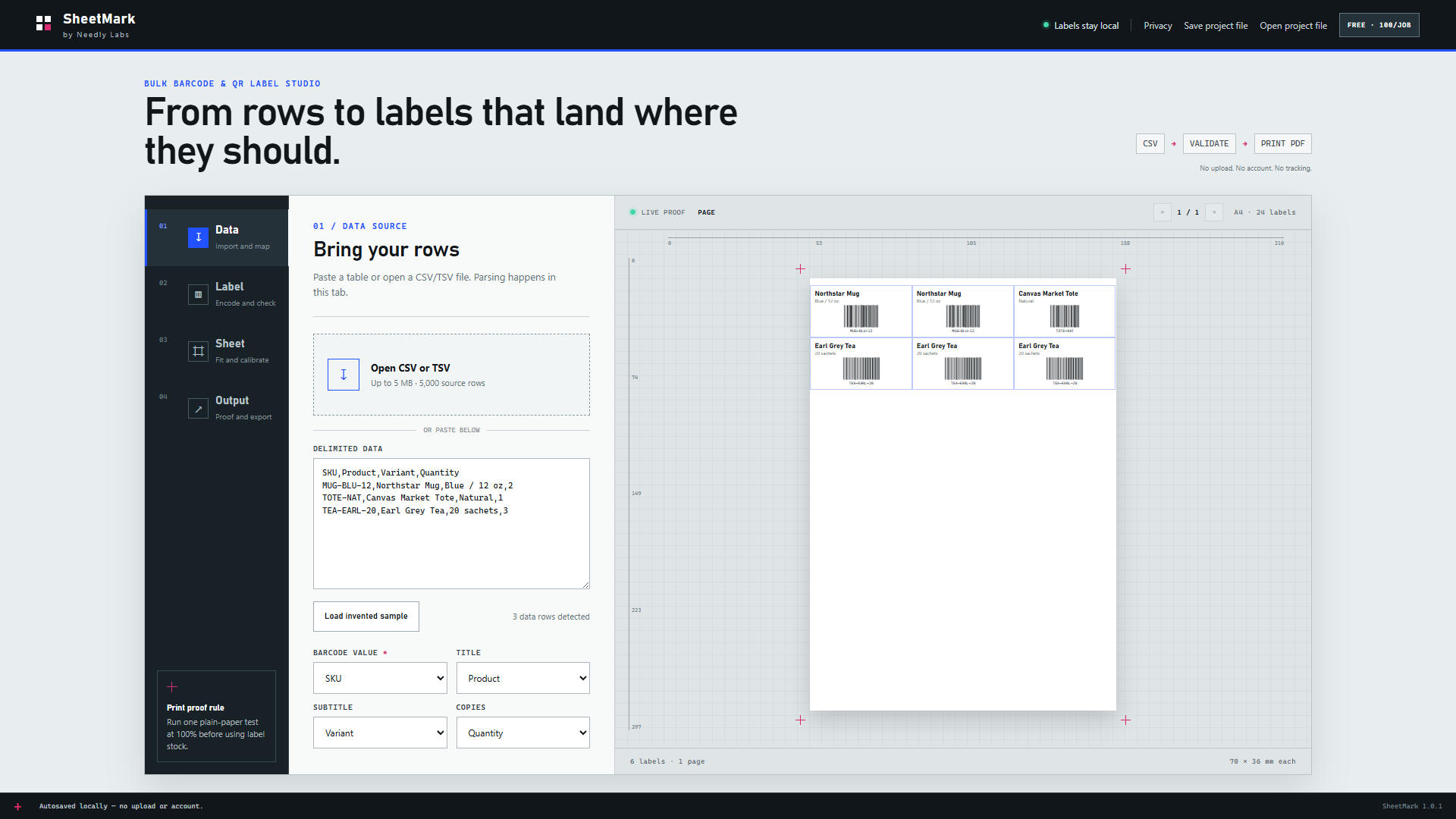
Try your stock before upgrading
Check the full sheet geometry in the free app. Custom dimensions are not available. Printer margins and stock tolerances can affect alignment.
Use Free. Upgrade when the run grows.
Both editions include Code 128, EAN-8, EAN-13, UPC-A, QR, Data Matrix, and PDF417, validation, partial-sheet printing, calibration, PDF/SVG export, and local project files.
Web & Windows
Up to 100 labels per job. Test your data, stock, and printer with the full local workflow.
Start a free label jobWindows only
Up to 2,000 labels per job on up to three Windows devices. No subscription or automatic renewal. Applicable tax is shown before payment.
See Pro license & checkoutCheck your job fits: both editions allow at most 250 distinct codes and 200 PDF pages per job. On one-label-per-page 4 × 6 stock, the page cap limits Pro to 200 labels. Pro needs internet for activation and periodic validation, with a 30-day offline grace after successful validation.
Save the worksheet as CSV or copy and paste its table into SheetMark. Native .xlsx files are not supported. Review the imported code values and keep leading zeros in your source data.
Pro activates in the Windows app. To move a browser job, choose Save project file in the web app, then Open project file in Windows. Projects do not sync automatically.
SheetMark renders codes you supply and validates supported formats and check digits. It does not register or assign GS1 identifiers, guarantee scanning, or connect to your inventory system.
Label processing stays local. Optional Pro checkout and activation use purchase, license, and machine-validation metadata through Paddle, Needly Labs fulfillment, and Keygen. Read the privacy policy.