Save the repeatable parts once
Keep your contact details, work history, education, and one chosen CV ready for the next application.
Needly Autofill for Chrome
25 fills included · No cardSave your details once. Fill recognized fields on Workday, Greenhouse, Lever, Ashby, and other job forms. Your profile stays on your device, and you review every change before submitting.
Fill previewReview ready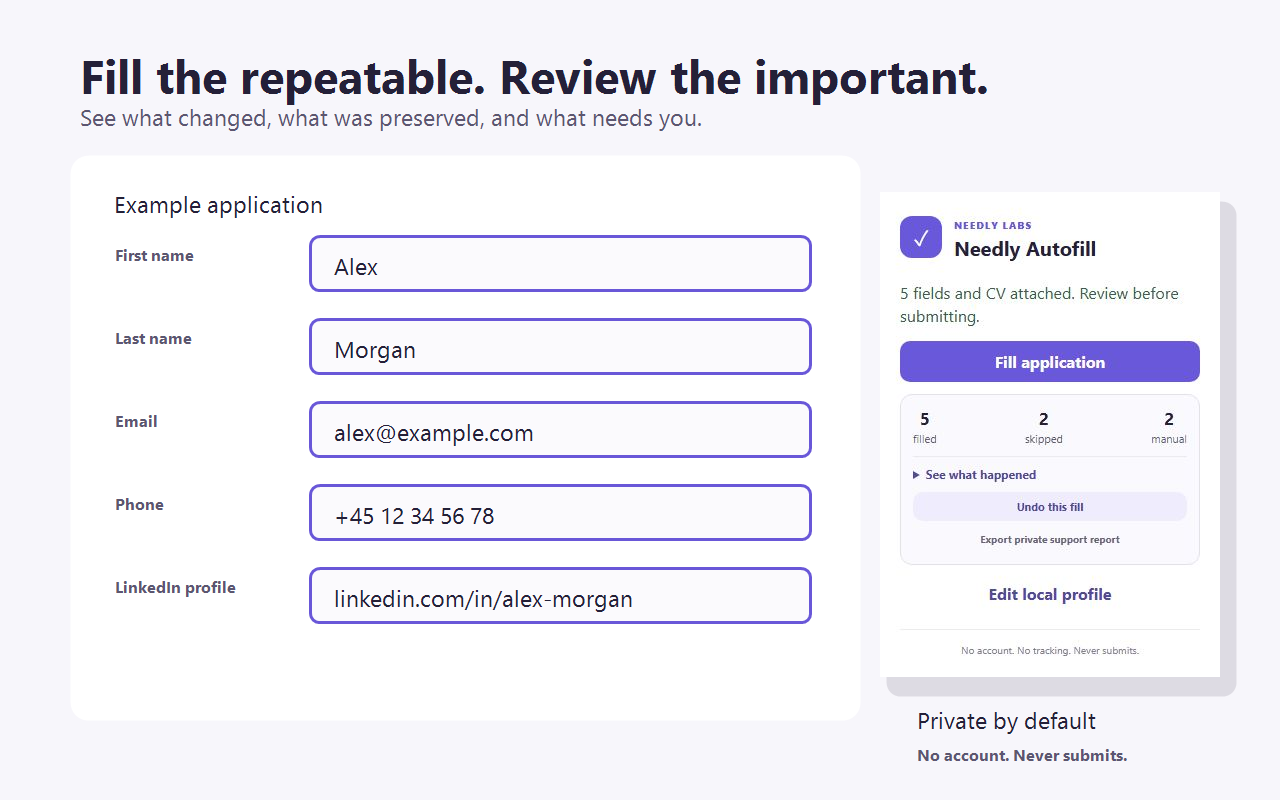
One visible sequence
Needly Autofill removes repeat typing without removing you from the application.
Open the extension to see recognizable empty fields, a matching CV upload, and questions that should stay manual.
Your saved profile, chosen CV, and exact reviewed answers go only into fields Needly Autofill can match confidently.
Read the fill report, complete the important questions, undo if needed, and send the application yourself.
Less repetition, more momentum
Reuse the predictable details. Stay hands-on for role-specific, sensitive, and consequential answers.
Keep your contact details, work history, education, and one chosen CV ready for the next application.
See the fields Needly Autofill recognizes and the questions it will deliberately leave for you.
Save exact answers only after reviewing them, then reuse them when the same clearly matched question appears again.
Existing answers and attachments stay untouched by default. You choose if an empty field should be filled.
A fill report shows what changed, what was preserved, and what remains manual, with one-click undo when needed.
Needly Autofill never presses the final submit button. You review the whole application and send it yourself.
Job-form coverage
Tuned support handles familiar application systems. A careful on-demand path helps on other clearly recognized job forms.
Focused support for recognizable application fields and CV uploads.
Focused support for repeatable candidate details and attachments.
Support for confidently recognized fields across supported application steps.
Support for familiar fields on recognizable application layouts.
Open Needly Autofill and ask it to preview the page. On-demand filling proceeds only when the page clearly looks like a job application and contains multiple familiar fields.
Other sites are never filled automatically. Login, payment, and unrelated forms stay out of scope.
See the work
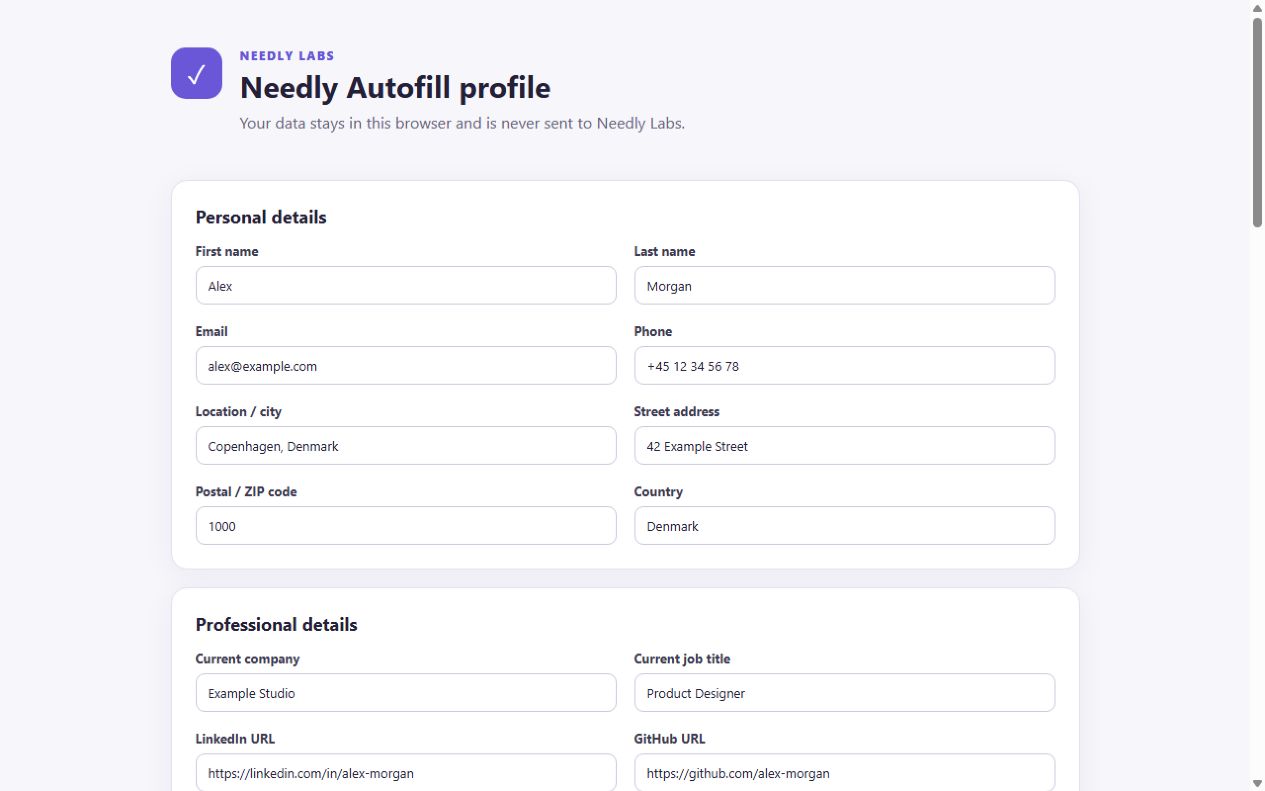
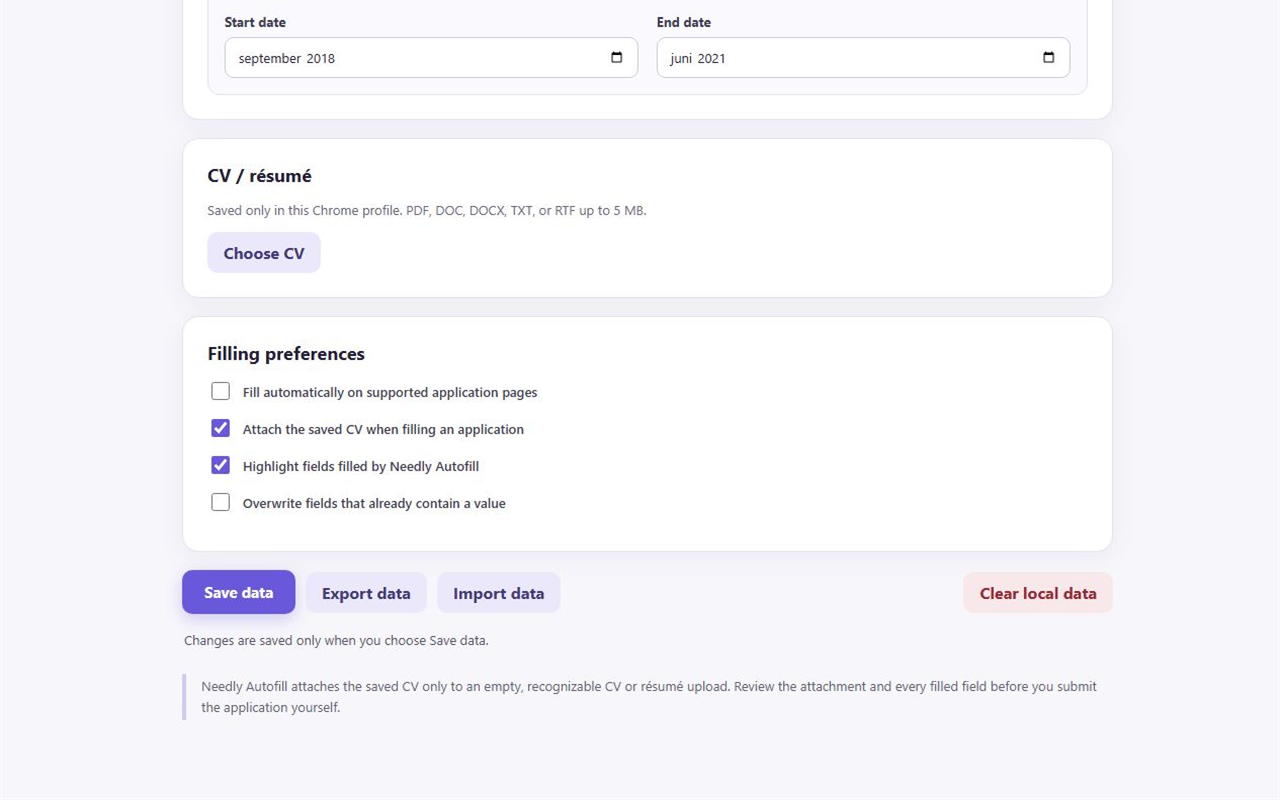
The profile, preview, result, and controls stay visible so you can understand what will happen and what just changed.
The trust proof
Your reusable profile stays in Chrome. It is used on the current application only when you invoke filling or enable automatic filling on a specifically supported job site.
Try the real workflow first
The private practice form does not count. After 25 successful fills, autofill pauses while paid checkout is unavailable; your profile, exports, Undo, and local controls remain accessible.
You keep the final say
Install the current Chrome Web Store release, add three essentials, and prove the workflow on a private practice form in under two minutes. Your first 25 successful fills are free.